Parental Control app - FamiGo is the life changing app for any parent that wants to protect their kids on mobile devices.
The app enables you to track your kids’ location, monitor their activities on mobile devices and protect them from the internet while you still respect their privacy. Specifically, the app is providing the following main features:
1. TRACK YOUR KIDS' LOCATION
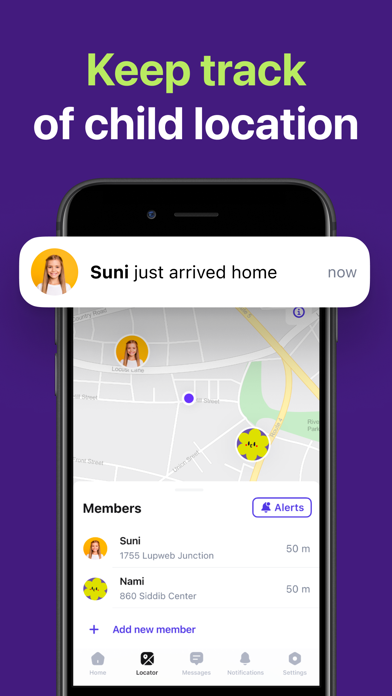
- Keep track of a child's current location and view it on a private map
- Get notified when your kids arrive or leave or check in at a given place
- Record historical location and check-in data
2. PORN BLOCKING & WEB FILTERING
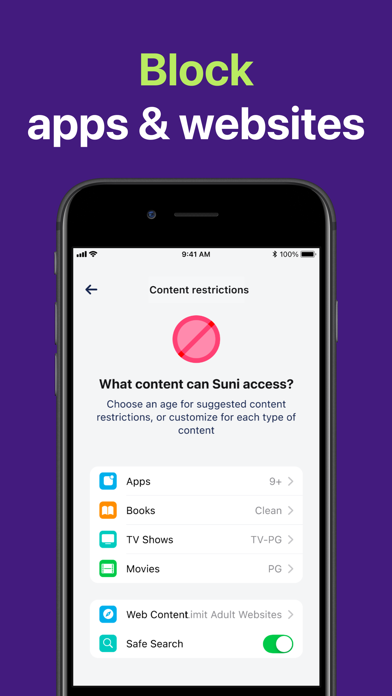
- Block pornography, gambling and other inappropriate-content websites
- Create your own list of blocked websites and apply it on your kids' devices
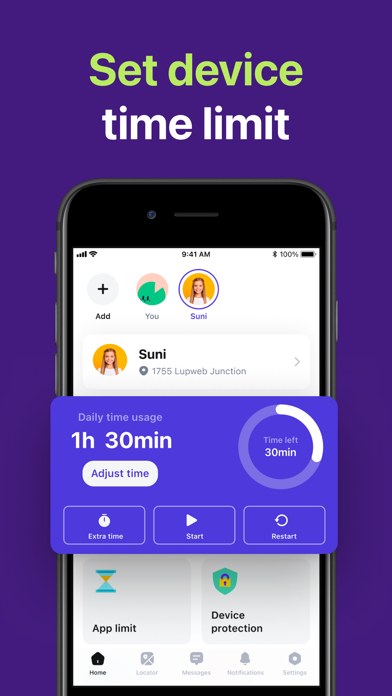
3. GUIDE TO SET UP APP LIMITS AND TIME RESTRICTIONS (SCREEN TIME)
- We provide a guidelines on setting up the app limits and time restrictions of your kids' usage on their iOS devices (for iOS 12 and above)
4. KEEP IN TOUCH WITH YOUR KIDS
- Push messages enable parents and kids to communicate together in an efficient and fastest way.
5. SOS BUTTON
- One-touch SOS button enables kids to send immediate SOS Alerts to parents when they are in emergency or dangerous situations
6. SCHEDULE HABITS & TODO LIST
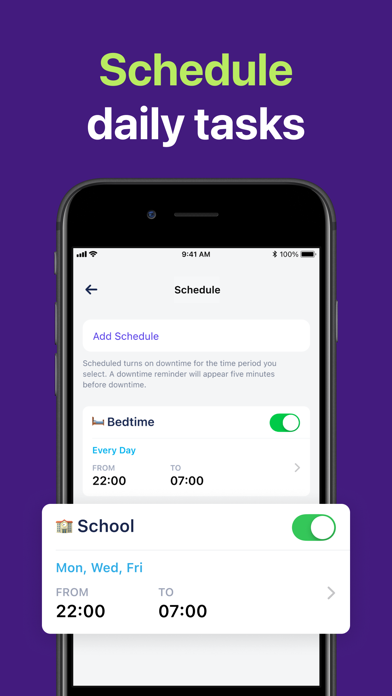
- Schedule tasks, daily routine to build good habits for your kids
- Send notifications to the kids when you create a task for them
- Get notified when kids get things done, then enrourage them
7. ACTIVITY LOG
- Keep track and record historical data of location, checkin, tasks and others
8. MANAGE MULTIPLE KIDS & DEVICES
- With premium version, you can add and manage your kids and devices with no limits
Kidsafe currently offers the following auto-renewing subscription options for the Premium version to your Apple-ID:
- Monthly subscription: $12.99
- Half-year subscription: $39.99
- Life-time: $59.99
Payment will be charged to your Apple ID account at the confirmation of purchase. Price may vary depending on the region or country. Subscription automatically renews unless it is canceled at least 24 hours before the end of the current period. Your account will be charged for renewal within 24 hours prior to the end of the current period. You can manage and cancel your subscriptions by going to your account settings on the App Store after purchase.
Our links:
Privacy Policy: http://astraler.com/privacy-policy
Terms of Use: http://astraler.com/terms