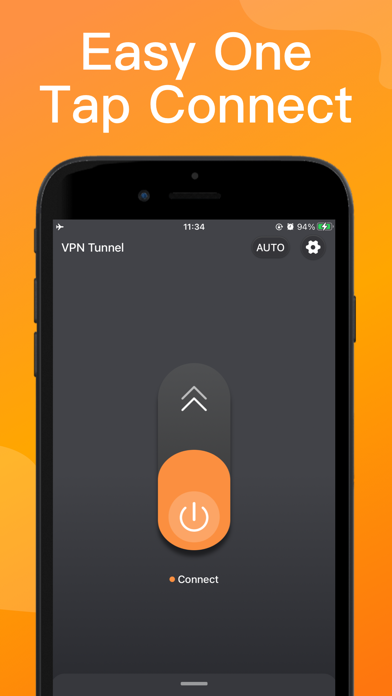
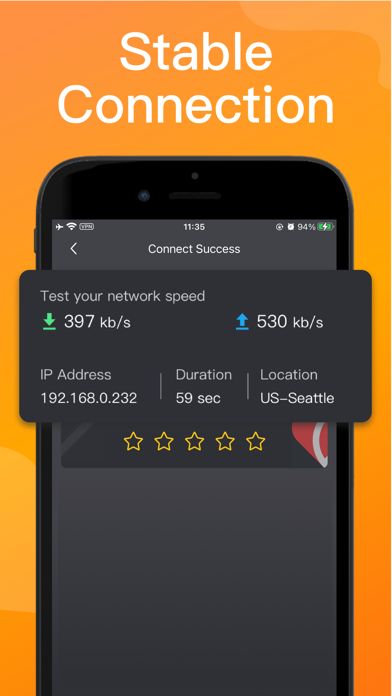
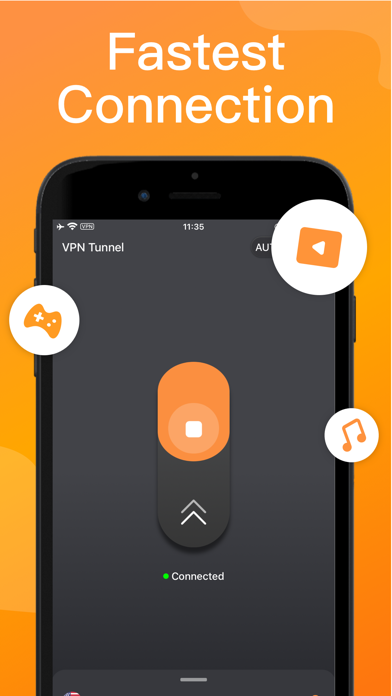
VPN Tunnel: the best Private VPN for iPhone mobile, We want to be the number 1 in speed, provide you with privacy protection, and the fastest connection.Fast and stable proxy master you deserve.
◆Features:
"-Unlimited time, Unlimited data, Unlimited bandwidth
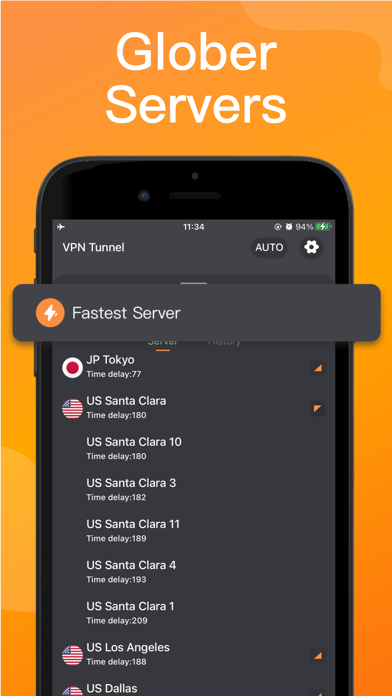
-4000+ worldwide VPN servers,like usa vpn,sa,jp,uk,de,ca......
-No registration or login required
-No Log is saved from any users
-High-level encryption protocols: OpenVPN, IKEv2
-Protect your safety and privacy"
◆We provide the following subscription services:
-Week
-Month
-Year
◆Pro Version Statements
Payment will be charged to your iTunes Account at confirmation of purchase.Your subscription automatically renews unless auto-renewal is turned off at least 24 hours before the end of the current subscription.Your account will be charged for a renewed subscription within 24 hours prior to the end of current subscription.You can manage your subscription and switch off the auto-renewal by accessing your account settings after purchase.You cannot cancel the current subscription during the active subscription period.Any unused part or time-span of a free trial period will be forfeited, as soon as you purchase a subscription.
===================
Contact us:
Email:vpntunnel2021@protonmail.com
Privacy agreement: http://www.vpn-solo.com/privacy.html
User Agreement: http://www.vpn-solo.com/terms.html