دریافت
- حداقل iOS
- 15.0
- نسخه
- 3.3.4
- امتیاز
- 4.6
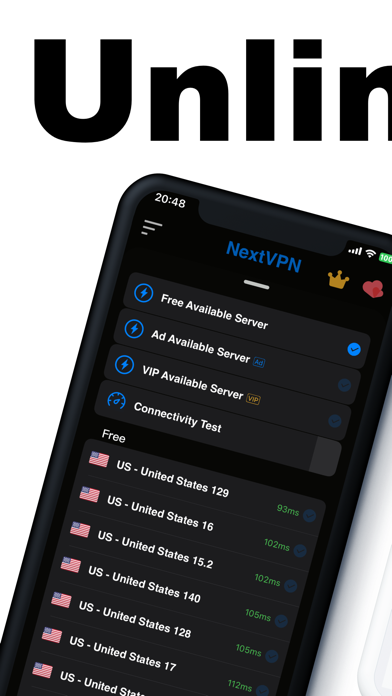
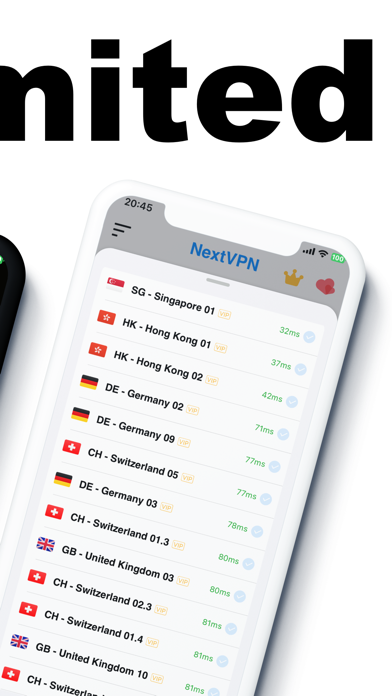
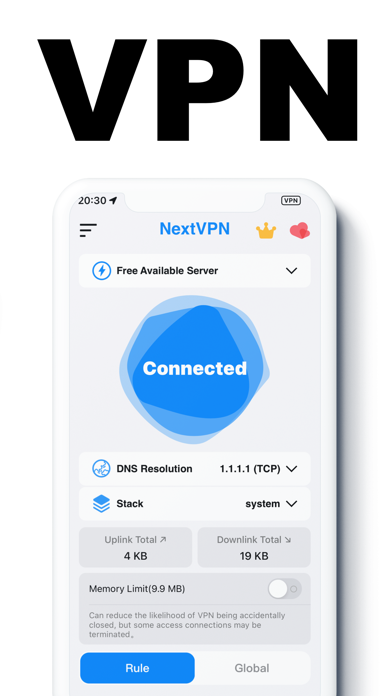
NextVPN is a fast and secure VPN app designed to enhance your online privacy and protect your internet connection. Whether you're using public Wi-Fi or want additional online safety, NextVPN offers a simple, reliable solution.
Key Features:
• High-speed servers with optimized performance
• Unlimited usage – time, data, and bandwidth
• No registration or login required
• Zero logs policy – your privacy matters
• One-tap VPN connection
• Military-grade encryption
• No extra permissions needed
Stay Private and Secure:
• Protect your personal data on public Wi-Fi
• Encrypt your internet traffic with advanced security
• Stay anonymous and secure while browsing
• Block malicious websites and trackers
Fast and Reliable:
• Premium server network for optimal speed
• Smart routing ensures stable connections
• Lightning-fast connection speeds
Simple to Use:
With just one tap, NextVPN connects you to a secure network — no technical skills needed.
Privacy First:
We do not collect or store any user-related logs during regular use. Your digital privacy is our top priority.
Premium Subscription
Subscription Pricing:
• 1 Week: $4.49
• 1 Month: $6.99
Payment will be charged to your iTunes Account upon confirmation. Your subscription automatically renews unless auto-renew is turned off at least 24 hours before the end of the current period. You can manage your subscription and disable auto-renewal in Account Settings. Any unused portion of a free trial will be forfeited when a subscription is purchased.
Privacy Policy: https://pages.flycricket.io/next-vpn/privacy.html
Terms of Use: https://www.apple.com/legal/internet-services/itunes/dev/stdeula
روی دستگاهی که قصد نصب برنامه را دارید وارد حساب کاربری شوید.
پکیج نصب را دریافت کنید و مراحل فعالسازی دستگاه را طبق راهنما انجام دهید.
بعد از ثبت دستگاه، اپ استار را نصب کنید تا به برنامههای آیفون دسترسی داشته باشید.
اپ استار را باز کنید، «NextVPN: Fast Safe VPN Proxy» را جستجو کنید و دکمه دریافت را بزنید.