توضیحات برنامه VPN 724
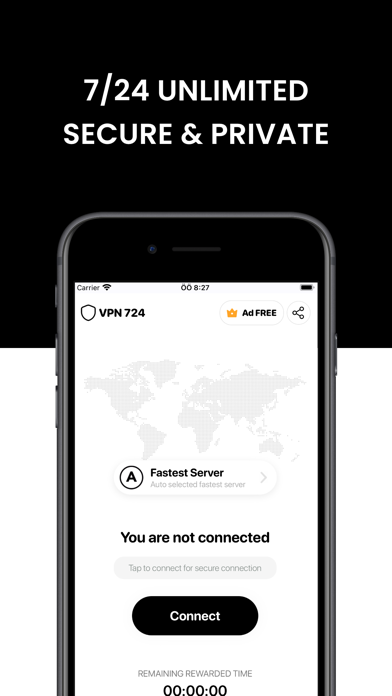
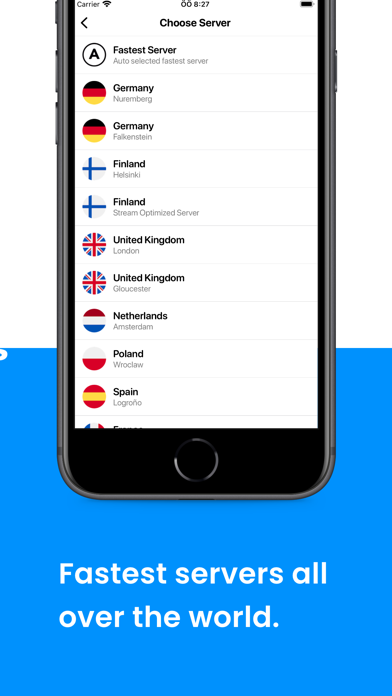
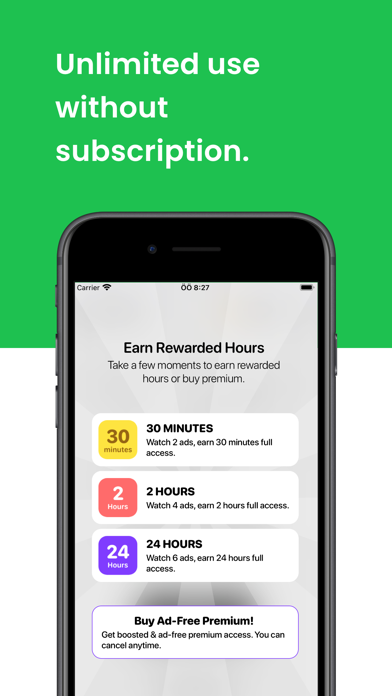
Get 7/24 unlimited and free VPN access at the best security level with super fast and best connection.
VPN 724 never logs any of your personal data. We always protect your privacy. Your information is transmitted completely anonymously.
- Use on all your Apple devices with family sharing.
You can use VPN 724 with your Apple ID on other iPhone, iPad and iPod devices. You can also register a unlimited number of devices.
- Ad blocking
VPN 724 blocks 98% of ads, providing a better and seamless experience.
- Unlimited and Fastest Bandwidth
VPN 724 can stream unlimited data. Download and upload are unlimited. No restrictions apply.
- Secure & Privacy
We work hard for your security and privacy. All our servers located in fastest and secure data centers. You are completely anonymous when using VPN 724. No data about your privacy is stored or shared.
VPN 724 provides fast and private access to Netflix, Amazon Prime, Roblox, Youtube, Facetime, Instagram, Snapchat, Hulu, Facebook and all other platforms.
- Subscriptions
Payment will be charged to iTunes Account at confirmation of purchase.Subscription automatically renews unless auto-renew is turned off at least 24-hours before the end of the current period.Account will be charged for renewal within 24-hours prior to the end of the current period, and identify the cost of the renewal.Subscriptions may be managed by the user and auto-renewal may be turned off by going to the user's Account Settings after purchase.Any unused portion of a free trial period, if offered, will be forfeited when the user purchases a subscription to that publication, where applicable.
Privacy: https://vpn724.freevpnapp.co.uk/privacy/
Terms of Use : https://vpn724.freevpnapp.co.uk/terms/
Contact : apps@freevpnapp.co.uk
VPN 724 Created by Free VPN LTD