
توضیحات برنامه Dual Messenger Web for WA Plus
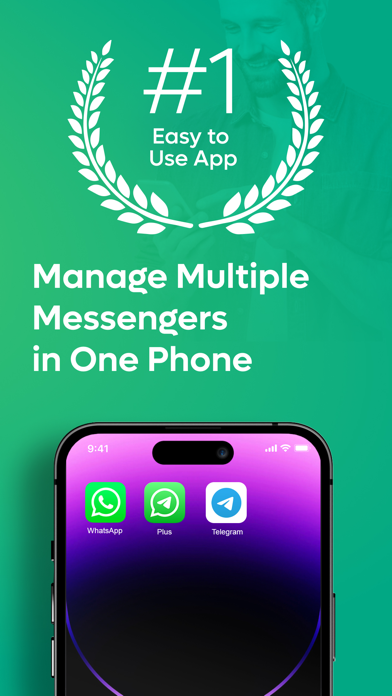
Plus: Dual Messenger is the #1 Easiest way to use a second Messenger on your phone or iPad synchronously!
Do you need additional Messenger? Plus: Dual Messenger for WA is the solution. Just scan the QR code on your phone or iPad and start using your second WhatsApp. Manage your chats easily and separate your business life from your private life.
Plus: Dual Messenger for WA is an UNOFFICIAL tool for WhatsApp and Telegram Messenger. Plus: Dual Messenger for WA is developed by an independent developer. We are NOT affiliated, associated, authorized, endorsed by, or in any way officially connected with WhatsApp LLC, or any of its subsidiaries or its affiliates. Usage in this app falls within the guidelines of "fair use".
Key Features:
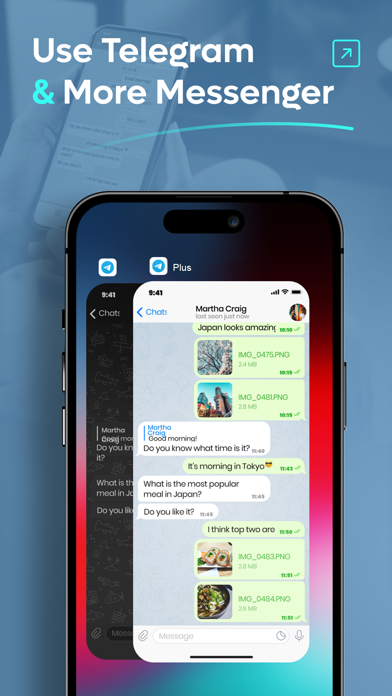
Dual Messenger: Use the dual chat feature and enjoy about second WhatsApp and Telegram Messenger!
Second Phone Number: Use a second phone number to chat.
Manage Your Chats: Separate your business chats and private chats easily.
About Subscriptions and Terms of Use:
For Unlimited Features of Plus: Dual Messenger, some Premium subscriptions are needed.
Payment will be made from your iTunes account after you confirm the purchase.
Subscriptions will auto-renew at the end of each term if it is not canceled 24 hours before the end of the purchasing term.
The user can manage subscriptions. Auto-renew can be turned off from iTunes account settings.
You can cancel your subscriptions by entering: http://support.apple.com/en-us/HT202039
Privacy Policy: https://sites.google.com/view/dualmessengerweb/privacypolicy
Terms of Use: https://sites.google.com/view/dualmessengerweb/termsofuse
Do you need additional Messenger? Plus: Dual Messenger for WA is the solution. Just scan the QR code on your phone or iPad and start using your second WhatsApp. Manage your chats easily and separate your business life from your private life.
Plus: Dual Messenger for WA is an UNOFFICIAL tool for WhatsApp and Telegram Messenger. Plus: Dual Messenger for WA is developed by an independent developer. We are NOT affiliated, associated, authorized, endorsed by, or in any way officially connected with WhatsApp LLC, or any of its subsidiaries or its affiliates. Usage in this app falls within the guidelines of "fair use".
Key Features:
Dual Messenger: Use the dual chat feature and enjoy about second WhatsApp and Telegram Messenger!
Second Phone Number: Use a second phone number to chat.
Manage Your Chats: Separate your business chats and private chats easily.
About Subscriptions and Terms of Use:
For Unlimited Features of Plus: Dual Messenger, some Premium subscriptions are needed.
Payment will be made from your iTunes account after you confirm the purchase.
Subscriptions will auto-renew at the end of each term if it is not canceled 24 hours before the end of the purchasing term.
The user can manage subscriptions. Auto-renew can be turned off from iTunes account settings.
You can cancel your subscriptions by entering: http://support.apple.com/en-us/HT202039
Privacy Policy: https://sites.google.com/view/dualmessengerweb/privacypolicy
Terms of Use: https://sites.google.com/view/dualmessengerweb/termsofuse